How HomeKeeper works
Follow the real household workflow from first email sign-in to a shared completion note.
1. Sign in via single-use email link
Enter your email on app.snowcine.us, open the single-use verification link, and confirm sign-in. Register your browser (such as “My phone”) to claim one household slot.
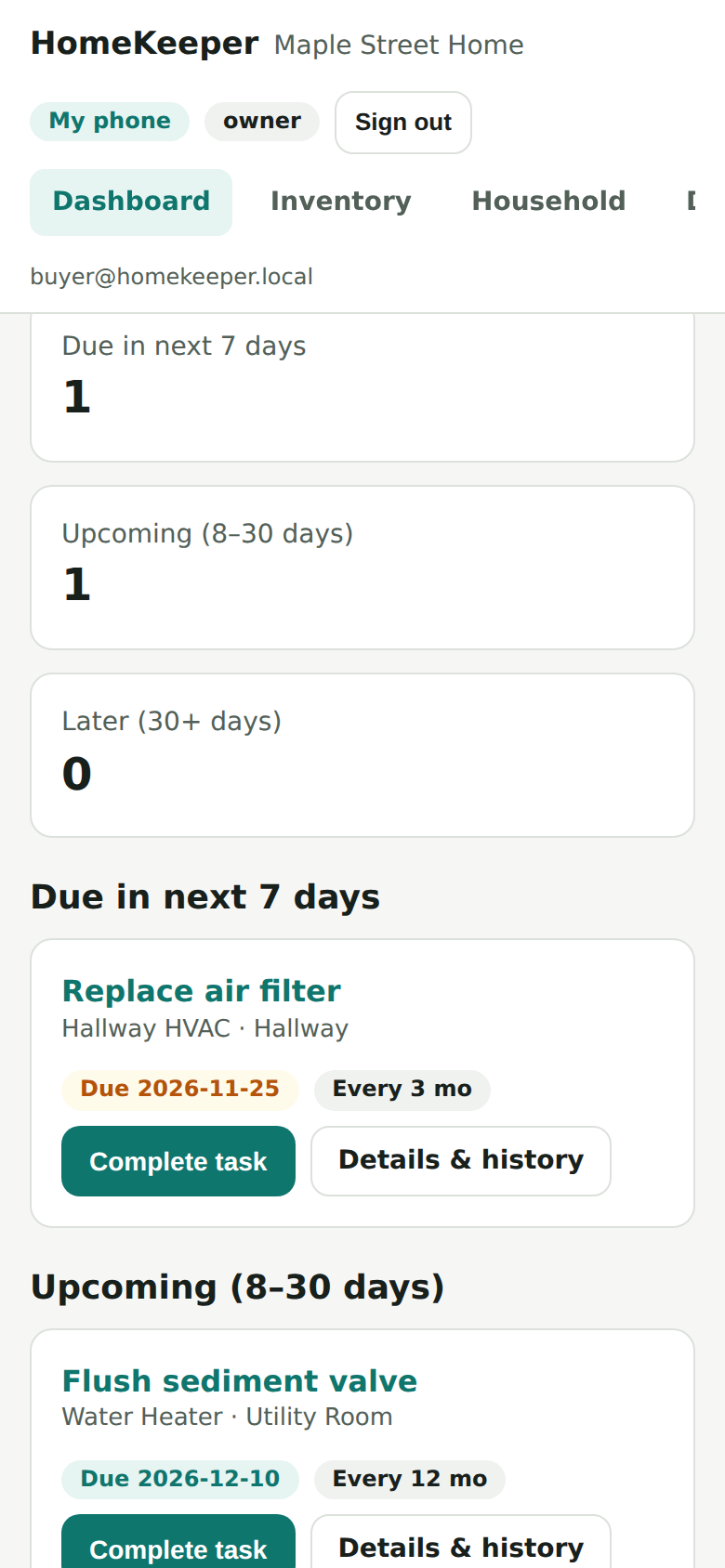
2. Add Hallway HVAC & schedule Replace air filter
Add an appliance with its location (“Hallway”), optional model, and warranty date. Schedule “Replace air filter” every 3 months with a household-local due date and email reminder lead window.
3. Invite a partner & log completion with a note
Invite your partner from the Household page. When they complete “Replace air filter” on their own browser with a note, HomeKeeper atomically records who did it, the timestamp, the note, and advances the next due date 3 months from actual completion.